
DJI Avata Forest Filming Guide: Conquer Wind Easily
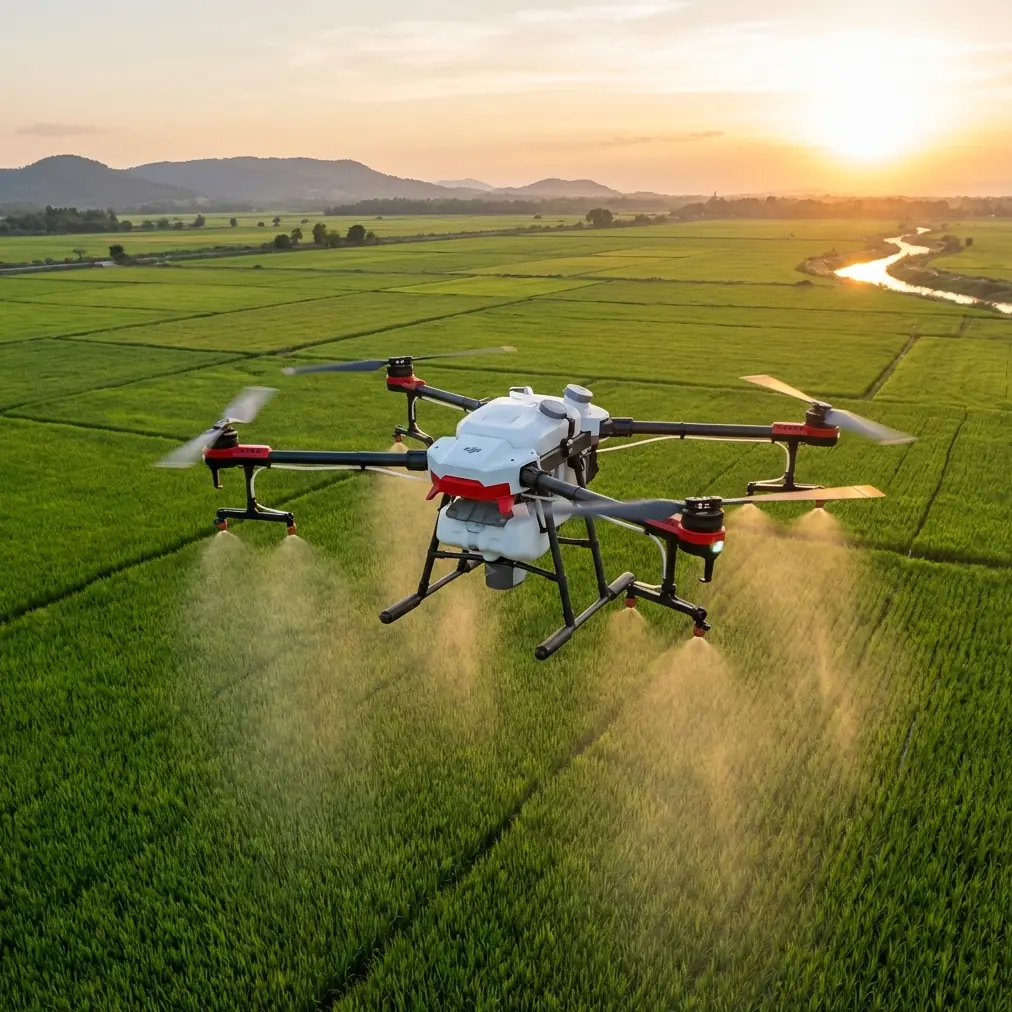
DJI Avata Forest Filming Guide: Conquer Wind Easily
META: Learn how to film stunning forest footage with DJI Avata in windy conditions. Expert tips on settings, obstacle avoidance, and antenna positioning for range.
By Chris Park · Creator & FPV Cinematographer
TL;DR
- DJI Avata's ducted propeller design makes it uniquely suited for tight forest environments where obstacle avoidance is critical
- Proper antenna positioning on the DJI Goggles 2 can extend reliable signal range by 30-40% in dense tree canopy
- Shooting in D-Log color profile preserves shadow and highlight detail under dappled forest light
- Wind speeds up to 10.7 m/s are manageable with the right flight techniques and camera settings
Why the DJI Avata Excels in Forest Environments
Flying through forests is one of the most demanding scenarios for any drone pilot. Dense canopy, unpredictable wind gusts, and tight gaps between trunks create a gauntlet that traditional drones simply cannot handle. The DJI Avata was built for exactly this kind of challenge—its compact, ducted-prop design protects both the aircraft and the trees around it, while its built-in obstacle avoidance sensors provide a safety net when branches appear faster than you can react.
This guide breaks down every setting, technique, and hardware consideration you need to capture professional forest footage with the Avata, even when the wind picks up. Whether you're shooting a cinematic nature reel or documenting trail systems, every recommendation here comes from real-world field experience.
Step 1: Pre-Flight Setup for Windy Forest Conditions
Check Wind Speed and Canopy Behavior
Before you arm your motors, spend 5 minutes watching the treetops. The DJI Avata handles sustained winds up to 10.7 m/s (Level 5), but inside a forest, turbulence is unpredictable. Wind accelerates through gaps and swirls behind large trunks.
Key pre-flight checks:
- Use an anemometer or the UAV Forecast app to confirm wind speed at ground level
- Observe the upper canopy—if large branches are swaying violently, postpone the flight
- Identify natural wind corridors (trails, rivers, clearings) where gusts channel most aggressively
- Plan your flight path against the wind on the outbound leg so you have a tailwind returning to your launch point
Antenna Positioning for Maximum Range
Here's a technique most pilots overlook, and it's the single biggest factor in maintaining a solid video feed under canopy.
Expert Insight: The antennas on the DJI Goggles 2 are omnidirectional but polarization-sensitive. Position both antennas in a "V" shape at roughly 45-degree angles from vertical. This orientation maximizes signal reception when the Avata is at varying heights and angles relative to your head. Avoid letting the antennas hang straight down or point directly at each other—this creates a reception null zone precisely where your drone is most likely to be flying.
Additional range tips for forest environments:
- Stand at the edge of a clearing rather than deep under canopy—even a few meters of open sky above your head improves link quality significantly
- Keep line-of-sight to your entry point in the tree line
- Wet foliage absorbs more 2.4 GHz and 5.8 GHz signal than dry leaves—after rain, expect 15-20% range reduction
- Set your transmission to 2.4 GHz for better penetration through obstacles; 5.8 GHz offers lower latency but degrades faster through vegetation
Step 2: Camera Settings for Forest Light and Motion
Forest canopy creates one of the most challenging lighting scenarios in aerial cinematography: extreme contrast between bright sky patches and deep shadows on the forest floor. The wrong settings will blow out highlights or crush your shadows into noise.
Recommended Camera Configuration
| Setting | Recommended Value | Why |
|---|---|---|
| Color Profile | D-Log | Preserves 2+ stops of dynamic range in highlights and shadows |
| Resolution | 4K at 50/60fps | Provides flexibility for slow-motion and stabilization crop |
| Shutter Speed | 1/100 - 1/120s (for 50/60fps) | Follows the 180-degree shutter rule for natural motion blur |
| ISO | 100-400 | Keep as low as possible; forest shade may push to 400 |
| EV Compensation | -0.3 to -0.7 | Protects highlights in bright canopy gaps |
| EIS (RockSteady) | On | Smooths wind-induced vibrations without gimbal limitations |
Why D-Log Is Non-Negotiable for Forests
Standard and Normal color profiles clip highlights aggressively. When your Avata punches through a gap in the canopy and suddenly faces open sky, D-Log retains that sky detail and gives you room to recover it in post-production. The flat, desaturated look of D-Log footage may look underwhelming on the goggles' live feed, but in DaVinci Resolve or Premiere Pro, you'll have the latitude to create rich, cinematic color grades that make forest greens pop without sacrificing sky tones.
Pro Tip: Apply a DJI D-Log to Rec.709 LUT as your starting point in post, then fine-tune the green channel saturation separately. Forest footage tends to oversaturate in greens, creating an unnatural "neon" look if you simply boost overall saturation.
Step 3: Flight Techniques for Cinematic Forest Footage
Manual Mode vs. Normal Mode
The Avata offers Normal, Sport, and Manual (Acro) flight modes. For forest work in wind, here's the breakdown:
- Normal Mode: Best for beginners and controlled, steady shots. The Avata's Subject tracking (ActiveTrack) features work only in this mode, making it ideal for following trails or wildlife
- Sport Mode: Faster response but more aggressive corrections—useful for punching through wind but creates jerky footage
- Manual Mode: Full acro control for experienced FPV pilots who want proximity flying between trunks. Not recommended in gusting conditions unless you have 100+ hours of stick time
Essential Cinematic Moves in Forest Settings
The Thread-the-Needle: Fly slowly (3-5 m/s) between two trees at mid-trunk height. The ducted props mean a light branch contact won't send you into a death spiral.
The Canopy Rise: Start below the canopy, flying forward along a path, then smoothly pull back on the stick to rise through a gap into open sky. This is the single most dramatic forest shot you can capture.
The Creek Follow: Use QuickShots or manual flying to follow a stream or trail at 1-2 meters altitude. Water reflects light beautifully and provides natural leading lines.
Hyperlapse Through the Trees: The Avata's Hyperlapse mode works best along straight forest paths. Set waypoints along a trail and let the system create a stabilized time-compression sequence. Wind gusts during Hyperlapse are smoothed out algorithmically, but keep movement speed low for best results.
Step 4: Obstacle Avoidance Strategy
The Avata features downward infrared sensing and forward-facing obstacle avoidance. In a forest, these sensors are your safety net, but they have limitations you must understand.
Key obstacle avoidance considerations:
- Forward sensors detect objects within 0.5-10 meters but can miss thin branches under 2 cm diameter
- Downward sensors are critical for maintaining altitude above uneven forest floors
- Side and rear coverage is absent—never fly backward or make aggressive lateral moves near tree trunks
- In low light (dense canopy at dusk), sensor performance degrades by approximately 30-40%
- Disable obstacle avoidance ONLY if you're an experienced manual-mode pilot who needs to fly through gaps the sensors would reject
Common Mistakes to Avoid
Flying too fast between trees. Reaction time at 10 m/s between trunks spaced 3 meters apart is essentially zero. Keep speeds under 5 m/s in tight sections.
Ignoring battery temperature. Cold, windy conditions drain the Avata's 2420 mAh battery faster. Expect 14-16 minutes of flight time in wind versus the rated 18 minutes in calm conditions. Land at 30% battery, not 20%.
Forgetting ND filters. Even in a shaded forest, bright patches of sky will force your shutter speed up if you don't use an ND8 or ND16 filter. High shutter speeds eliminate natural motion blur and make footage look jittery and amateurish.
Launching under dense canopy. GPS lock requires open sky. If you launch under thick tree cover, the Avata may not establish a reliable home point, making Return-to-Home useless in an emergency. Always launch from a clearing.
Neglecting a spotter. When you're wearing goggles, you have zero peripheral awareness. A spotter watching the aircraft—and watching for other people on the trail—is essential for safety and, in many jurisdictions, legally required.
Frequently Asked Questions
Can the DJI Avata fly safely in rain or wet forest conditions?
The DJI Avata does not carry an IP rating for water resistance. Light mist is generally tolerable, but rain, heavy fog, or flying through wet branches can damage electronics and degrade motor performance. If moisture accumulates on the camera lens, it also destroys image quality. Wait for dry conditions or at minimum ensure the canopy above your flight path is dense enough to shield the aircraft from direct rainfall.
What is the best DJI Avata controller for forest flying?
The DJI Motion Controller is intuitive for sweeping cinematic moves but lacks precision for tight maneuvering between trees. For forest work, the DJI FPV Remote Controller 2 provides stick-based control with far greater granularity—especially critical when you need micro-corrections to avoid branches. If you're doing proximity flying under canopy, the FPV Remote Controller 2 paired with Manual mode is the professional standard.
How do I color grade DJI Avata D-Log forest footage effectively?
Start with a base LUT conversion from D-Log to Rec.709, then manually adjust the lift, gamma, and gain to taste. For forests specifically, reduce green saturation by 10-15% and push shadows slightly toward blue or teal to create depth separation between foreground shadows and mid-ground foliage. Use a secondary color qualifier to isolate sky highlights and bring them back if they were slightly clipped. Sharpening should be applied at 30-40% of your normal value because D-Log footage from the Avata's 1/1.7-inch sensor responds aggressively to sharpening tools and can introduce artifacts in fine textures like bark and leaves.
Ready for your own Avata? Contact our team for expert consultation.