
Using DJI Avata Around Remote Power Lines: What It Can Do
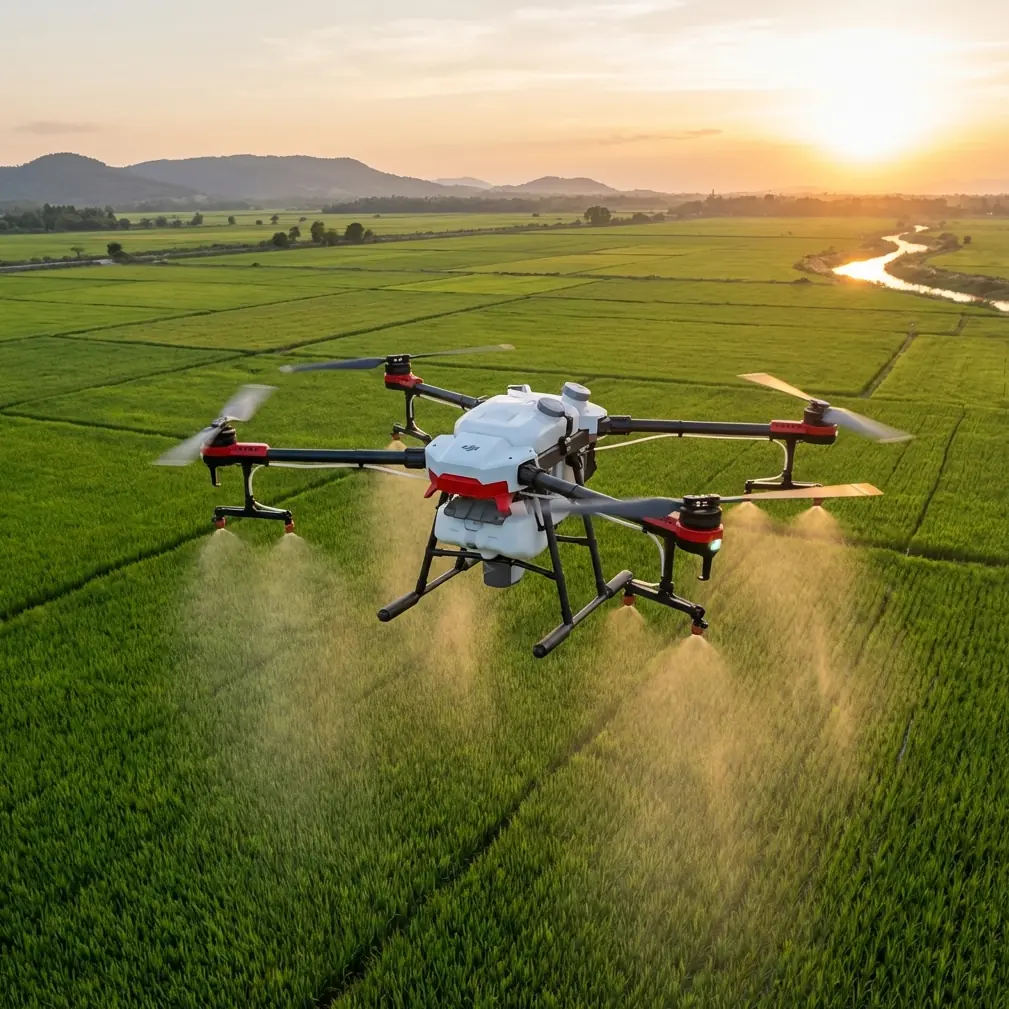
Using DJI Avata Around Remote Power Lines: What It Can Do, What It Can’t, and How to Set Up for a Stable Link
META: A practical expert guide to using DJI Avata near remote power lines for visual inspection support, antenna positioning, signal stability, obstacle awareness, and safe civilian operations.
Remote power-line work creates a strange kind of pressure. The landscape is usually wide open until it suddenly isn’t. A corridor of cables, pylons, guy wires, brush, ridgelines, and shifting wind can turn a simple flight into a signal-management problem fast. That is exactly why the DJI Avata attracts attention. It is compact, guarded, agile, and unusually confident in tight spaces compared with many camera drones.
But there is one hard truth to get out of the way early: Avata is not a spraying platform.
If your mission is literally applying liquid to power-line infrastructure or surrounding vegetation, this is the wrong aircraft category. Avata is built for immersive flight and close-proximity visual work, not payload delivery. For remote utility teams, its value sits elsewhere: pre-work inspection, route familiarization, structure awareness, vegetation observation, and visual documentation before maintenance crews or specialized equipment move in.
That distinction matters operationally. Using the right aircraft for the right task protects both the result and the crew. Avata can be useful around remote power lines, but only when it is deployed as a visual intelligence tool rather than a treatment system.
The real problem in remote utility corridors
Power-line routes create three overlapping challenges for small drones.
First, there is visual complexity. Wires are thin, towers are tall, and contrast changes constantly depending on sun angle and background terrain. A drone that feels easy to fly in open land can become demanding when placed near hard-to-see conductors.
Second, there is radio complexity. Long linear corridors often tempt pilots to push distance, yet the best-looking route on the map may hide trees, terrain folds, lattice steel, or tower geometry that interfere with the control and video link.
Third, there is mission drift. Teams start with “just a quick look” and end up improvising around structures, crossing line-of-sight boundaries, or trying to gather inspection footage in conditions better suited to a different platform.
Avata helps with some of this. It does not erase the fundamentals.
Where Avata actually fits on a power-line job
Jessica Brown, approaching this as a photographer rather than a utility engineer, would probably appreciate Avata for one reason first: it can tell the story of a site clearly. Before any crew stages equipment in a remote location, managers often need context. What does access look like? How dense is nearby vegetation? Is there enough room around a structure for safe ground work? What is the terrain doing just beyond the tower base?
This is where Avata shines. Its ducted design gives pilots more confidence in constrained environments than a typical open-prop craft, and that has practical value for close visual passes around non-energized surrounding structures, access roads, staging points, and terrain features. It is also useful for capturing orientation footage for briefing crews who have not yet seen the site in person.
The common consumer talking points around QuickShots or Hyperlapse are less central in this scenario, but not irrelevant. Hyperlapse, for example, can help document weather movement, traffic flow into a remote access area, or changing light around a corridor. QuickShots are usually associated with social media, yet automated motion can occasionally help generate a repeatable overview clip for stakeholder updates. The key is discipline: utility support footage must stay readable and purposeful.
Obstacle avoidance: helpful, but not a force field
Anyone flying near power infrastructure needs to think clearly about obstacle avoidance. Avata is often discussed alongside obstacle awareness features, but power lines expose the limits of that conversation.
Thin wires are notoriously difficult for many drone sensing systems. A pilot who assumes “obstacle avoidance” means the aircraft will reliably detect every cable is building risk into the mission. Around utility corridors, that assumption is especially dangerous because the most important hazards may be the least visually obvious.
Operationally, this means Avata should be flown with conservative path planning. Use it where the aircraft’s agility and size reduce stress, not where those qualities tempt you to squeeze through gaps that leave no margin. Keep your route biased toward open air with clear backgrounds and predictable escape paths. Towers, crossarms, insulators, vegetation edges, and service tracks can all be documented without putting the aircraft on an aggressive line close to conductors.
This is also where the product’s FPV character becomes a double-edged sword. Avata is exciting because it feels immediate. That same immediacy can encourage a pilot to chase cinematic angles when the job actually calls for measured, repeatable observation. Near utility assets, restraint beats flair.
ActiveTrack and subject tracking: mostly the wrong tool here
The context mentions subject tracking and ActiveTrack, which are useful concepts in many civilian workflows. On a power-line mission, though, they deserve skepticism.
Tracking features are strongest when the subject is visually distinct and motion is predictable. Utility structures do not behave like cyclists or vehicles on open ground. Towers, poles, and line hardware create clutter, partial occlusion, and complex geometry. Even when an automated function is available in the broader drone ecosystem, relying on tracking around power-line assets is usually less sensible than flying deliberate manual paths.
The operational significance is simple: when the environment is full of thin hazards and fixed structures, pilot judgment is usually worth more than automation. If your goal is documentation for maintenance planning, manual framing with slow, intentional movement produces footage that is easier to review and less likely to miss a defect or clearance issue.
D-Log matters more than many utility teams realize
One detail that deserves more respect in inspection-adjacent work is D-Log. People often think of it as a filmmaker feature, but in utility support it has practical value.
Remote power-line sites often present brutal contrast. Bright sky behind dark steel. Reflective hardware in hard sun. Deep vegetation shadows under a tower. Standard color profiles can clip highlights or bury useful detail. D-Log gives you more flexibility to recover information in post, especially when the footage will be reviewed by people who care less about cinematic color and more about visual clarity.
That matters if you are trying to assess vegetation encroachment, identify access obstacles, or produce briefing material where shaded details must remain visible. You do not need to turn every remote utility flight into a color-grading project, but having a flatter profile available can improve the usefulness of the material when lighting is uneven.
Antenna positioning advice for maximum range
Now to the part that tends to decide whether the flight feels easy or frustrating: antenna positioning.
Maximum range is not really about brute distance. It is about maintaining a clean, stable link between the pilot position and the aircraft. In remote power-line environments, that means your body position, the controller orientation, nearby structures, and the direction of travel all matter.
Start with line of sight as the default rule, not an afterthought. Do not set up behind a truck, beside a steel structure, or under a tower if you can avoid it. Even in open country, small obstructions close to the operator can degrade signal quality more than people expect.
If you are using goggles and external antennas, keep the broad face of the antenna pattern oriented toward the aircraft’s expected operating area rather than pointing the tip directly at it. This is one of the most common field mistakes. Many antennas radiate and receive best off the face or sides of the pattern, not the narrow end. A pilot who “aims” the antenna like a flashlight can lose link quality without understanding why.
A practical field method is this:
- Stand in the clearest possible launch position with a broad view down the corridor.
- Face the general sector where the drone will spend most of the mission.
- Keep your upper body and controller orientation stable during critical passes.
- If the route bends behind trees, terrain, or tower steel, reposition yourself before launch rather than trying to fly through a blocked geometry.
Height also helps. Sometimes moving the pilot station just a few meters to a slightly elevated patch of ground creates a noticeably cleaner path for the signal. The aircraft may be capable of going farther, but utility work should prioritize link stability over chasing distance records.
Around metal structures, avoid launching too close to large lattice towers or parking the control station where steel fills the near field. The interference is not always dramatic, but tower geometry can create enough signal disruption to make the video feed feel inconsistent. That is a poor trade when the solution is often just relocating your takeoff point.
If you want a second opinion on field setup before heading into a remote corridor, this Avata positioning chat can help you think through antenna angles and launch-point choices.
Wind, terrain, and battery discipline
Remote power lines often cross exposed terrain. That means wind can be mild at launch and unpleasant near ridges, saddles, or tower heights. Avata is capable, but small aircraft feel terrain-driven wind quickly. The issue is not only speed; it is turbulence. A stable hover near a sheltered access road can turn into a busy aircraft a little higher up or closer to a structure.
For utility support work, that changes how you budget battery. Do not spend the outbound leg collecting every optional shot. Capture the essential passes first while energy reserves are strong, then add context footage if conditions allow. If a headwind builds on the return path, you will be glad you kept margin.
This is especially true in remote areas where retrieval is inconvenient. A short, successful documentation flight beats a long, ambitious one that ends with a low-battery scramble over rough ground.
A better mission design for “spraying power lines” teams
If the original need behind this topic is vegetation management or infrastructure treatment support, the smarter workflow is usually a two-aircraft mindset.
Use a dedicated application drone for the actual spray or treatment task if that operation is legally authorized and technically appropriate. Use Avata separately for site familiarization, access review, crew briefing footage, and visual checks of surrounding obstacles before the primary operation begins.
That separation improves safety and efficiency. The application platform focuses on payload work. Avata focuses on seeing the environment clearly. Combining those expectations into one aircraft creates disappointment at best and bad decisions at worst.
This is also where Avata’s size and protected prop design earn their keep. It can gather low-altitude environmental context around staging areas, pathways, vegetation edges, and structure surroundings without demanding the same operational footprint as a larger craft.
What to avoid
A few habits are especially worth avoiding near remote power lines:
Do not trust automation just because it exists.
Do not assume thin wires will always be detected.
Do not launch from the first convenient roadside spot if a better line-of-sight position is available 50 meters away.
Do not frame your route around cinematic ambition when the job is inspection support.
Do not use Avata as a surrogate spraying tool. It is not built for that role.
Those points sound obvious on paper. In the field, when the site is remote and the crew wants results quickly, they are exactly the details that get skipped.
The bottom line
Avata makes sense around remote power lines when the mission is visual, not applicative. Its strongest contribution is not chemical delivery or heavy-lift utility work. It is situational awareness. That includes documenting terrain, showing access conditions, revealing vegetation patterns, supporting maintenance planning, and producing usable footage under difficult contrast conditions with tools like D-Log.
The other big takeaway is signal management. Pilots obsess over advertised range, but remote corridor success usually comes down to antenna orientation, a clean launch position, and preserving line of sight. Get those right and the aircraft feels far more dependable. Get them wrong and even a short flight can become unnecessarily tense.
Used with discipline, Avata is a sharp support tool for civilian utility workflows. Used as the wrong aircraft for the wrong mission, it becomes a compromise immediately.
Ready for your own Avata? Contact our team for expert consultation.