
Avata for Vineyard Tracking: Low-Light Expert Guide
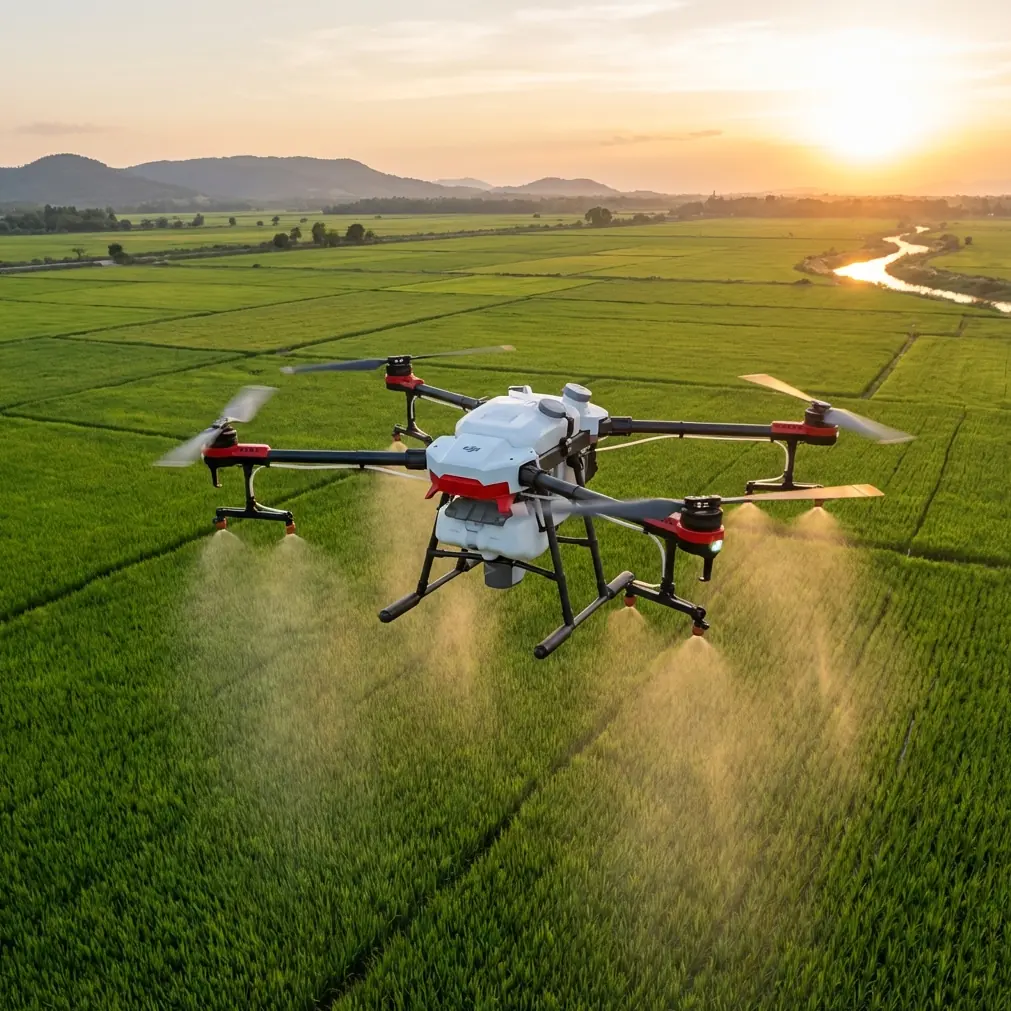
Avata for Vineyard Tracking: Low-Light Expert Guide
META: Master low-light vineyard tracking with DJI Avata. Expert tips on subject tracking, obstacle avoidance, and D-Log settings for stunning aerial footage.
TL;DR
- Avata's motion controller enables precise maneuvering between vine rows in challenging twilight conditions
- D-Log color profile captures 10+ stops of dynamic range for recoverable shadow detail during golden hour
- Electromagnetic interference from vineyard infrastructure requires specific antenna positioning techniques
- ActiveTrack limitations in low light demand manual piloting skills for consistent results
The Low-Light Vineyard Challenge
Vineyard aerial photography during dawn and dusk presents unique obstacles that ground-based cameras simply cannot address. The Avata's compact cinewhoop design offers photographers unprecedented access to tight vine corridors—but only when you understand its low-light limitations and workarounds.
This guide breaks down exactly how to configure your Avata for vineyard tracking when ambient light drops below 500 lux, covering everything from antenna positioning to color science optimization.
Understanding Avata's Low-Light Capabilities
The Avata houses a 1/1.7-inch CMOS sensor with a fixed f/2.8 aperture. While not interchangeable, this sensor performs admirably in reduced lighting when properly configured.
Native ISO Performance
The Avata's ISO range spans 100-6400 in normal mode and 100-25600 in extended mode. However, practical vineyard work reveals important thresholds:
- ISO 100-400: Clean footage with minimal noise
- ISO 800-1600: Acceptable noise, recoverable in post
- ISO 3200+: Visible grain requiring noise reduction
For vineyard tracking at twilight, targeting ISO 1600 as your ceiling preserves enough detail for professional delivery while maintaining the atmospheric quality clients expect.
Expert Insight: Shoot at ISO 800 with slight underexposure rather than pushing to ISO 1600 for correct exposure. Modern editing software recovers shadows more cleanly than it removes high-ISO noise.
Shutter Speed Considerations
The 180-degree shutter rule suggests doubling your frame rate for natural motion blur. At 4K/60fps, this means 1/120 second—problematic in low light without ND filter removal.
For vineyard work specifically:
- Remove ND filters entirely below 1000 lux
- Accept 1/60 second at 60fps for additional light gathering
- Consider 4K/30fps with 1/60 second for maximum flexibility
Configuring D-Log for Maximum Dynamic Range
D-Log M on the Avata captures a flatter image profile that preserves highlight and shadow information critical for vineyard scenes where bright sky meets dark foliage.
Optimal D-Log Settings
| Parameter | Recommended Setting | Reasoning |
|---|---|---|
| Color Mode | D-Log M | Maximum dynamic range |
| Sharpness | -2 | Prevents edge artifacts |
| Contrast | -1 | Maintains tonal separation |
| Saturation | -1 | Prevents color clipping |
| White Balance | Manual (5600K) | Consistent grading baseline |
When to Skip D-Log
D-Log requires proper exposure and grading knowledge. Skip it when:
- Delivering same-day social content
- Working without color grading software
- Shooting in extremely low light (ISO 3200+)
In these scenarios, the Normal color profile with reduced contrast produces more immediately usable footage.
Navigating Electromagnetic Interference in Vineyards
Modern vineyards contain significant electromagnetic interference sources that disrupt Avata's control link and video transmission. Electric fencing, irrigation pump controllers, and weather monitoring stations all generate RF noise.
Identifying Interference Sources
Common vineyard EMI culprits include:
- Electric fence chargers: Pulse every 1-2 seconds at high voltage
- Drip irrigation controllers: Continuous low-frequency emissions
- Weather stations: Wireless data transmission on similar frequencies
- Metal trellis systems: Can reflect and amplify interference
Antenna Adjustment Technique
The Avata's controller uses O3+ transmission operating on 2.4GHz and 5.8GHz bands. When interference strikes, antenna positioning becomes critical.
Step-by-step interference mitigation:
- Position controller antennas perpendicular to the drone's direction
- Angle antennas 45 degrees outward from vertical
- Keep antenna faces pointed toward the aircraft
- Maintain line of sight above vine canopy height
- Switch to 5.8GHz manual channel selection if 2.4GHz shows consistent dropouts
Pro Tip: Before each vineyard session, perform a stationary hover at your planned operating altitude for 60 seconds while monitoring signal strength. If readings fluctuate more than 20%, identify and relocate away from the interference source before beginning tracking shots.
Subject Tracking Limitations and Workarounds
The Avata lacks ActiveTrack functionality found in Mavic and Air series drones. This omission significantly impacts vineyard tracking workflows where following vehicles, workers, or equipment through rows would benefit from automated tracking.
Manual Tracking Techniques
Without ActiveTrack, consistent subject tracking requires practiced stick control:
- Lead the subject: Position the drone ahead of movement direction
- Match speed precisely: Vineyard vehicles typically move at 3-5 mph
- Use motion controller: The intuitive tilt-based control enables smoother tracking than traditional sticks
- Plan your path: Scout vine row spacing before flight
Obstacle Avoidance Behavior
The Avata features downward and backward obstacle sensing only—no forward or side sensors. In vineyard environments with vertical posts and horizontal wires, this limitation demands caution.
Safe operating parameters:
- Maintain minimum 2 meters from trellis structures
- Fly above wire height when crossing rows
- Reduce speed to 15 mph maximum in confined areas
- Enable obstacle avoidance in Brake mode for emergency stops
QuickShots and Hyperlapse Applications
While the Avata's QuickShots differ from other DJI drones, several automated flight modes translate well to vineyard documentation.
Effective QuickShots for Vineyards
| Mode | Vineyard Application | Best Conditions |
|---|---|---|
| Circle | Showcase individual vine specimens | Open row ends |
| Dronie | Reveal vineyard scale | Clear overhead space |
| Rocket | Dramatic vertical reveals | No overhead obstructions |
Hyperlapse Considerations
The Avata does not support native Hyperlapse modes. Creating time-lapse content requires:
- Recording standard video at consistent positions
- Post-processing speed ramping in editing software
- Manual interval shooting with careful repositioning
For dedicated vineyard hyperlapse work, consider supplementing with a Mavic series drone that offers built-in Hyperlapse with waypoint memory.
Common Mistakes to Avoid
Ignoring pre-flight sensor calibration: Temperature changes between vehicle transport and outdoor flight cause IMU drift. Always allow 3-5 minutes of powered-on stabilization before takeoff.
Overrelying on automatic exposure: The Avata's auto exposure struggles with high-contrast vineyard scenes. Lock exposure manually on mid-tones to prevent hunting during tracking shots.
Flying below vine canopy height: While tempting for dramatic angles, sub-canopy flight eliminates GPS reception and increases collision risk exponentially. Stay above trellis height for reliable control.
Neglecting battery temperature: Lithium batteries perform poorly below 15°C (59°F). Early morning vineyard shoots often encounter cold conditions—warm batteries in vehicle cabin before flight.
Pushing range limits: Vineyard terrain and vegetation absorb RF signals. Maintain 70% of maximum rated range as your practical operating limit to ensure reliable return-to-home functionality.
Frequently Asked Questions
Can the Avata capture RAW photos for vineyard documentation?
The Avata captures JPEG photos only—no RAW support. For critical still documentation requiring maximum editing flexibility, use the Avata for video work and supplement with a RAW-capable drone like the Mini 4 Pro or Air 3 for photography.
How long can I fly the Avata in cold vineyard conditions?
Expect 12-14 minutes of practical flight time in temperatures below 10°C (50°F), compared to the rated 18 minutes in optimal conditions. Cold weather reduces battery efficiency by approximately 20-25%. Carry multiple batteries and rotate them from a warm storage container.
What's the minimum light level for usable Avata footage?
Professional-quality footage requires approximately 200 lux minimum—roughly equivalent to deep twilight or heavy overcast conditions. Below this threshold, ISO requirements exceed 3200, introducing unacceptable noise for commercial delivery. Plan vineyard sessions to conclude 20 minutes before full darkness.
Maximizing Your Vineyard Investment
Consistent vineyard tracking with the Avata demands understanding its specific limitations while leveraging its unique strengths. The compact form factor accesses spaces larger drones cannot reach, while the motion controller enables intuitive flight that translates directly to cinematic results.
Master the antenna positioning techniques outlined above, commit to manual exposure control, and respect the low-light boundaries of the sensor. Your vineyard clients will receive footage that ground-based cameras and larger drones simply cannot replicate.
Ready for your own Avata? Contact our team for expert consultation.