
Tracking Vineyards with DJI Avata | Pro Tips
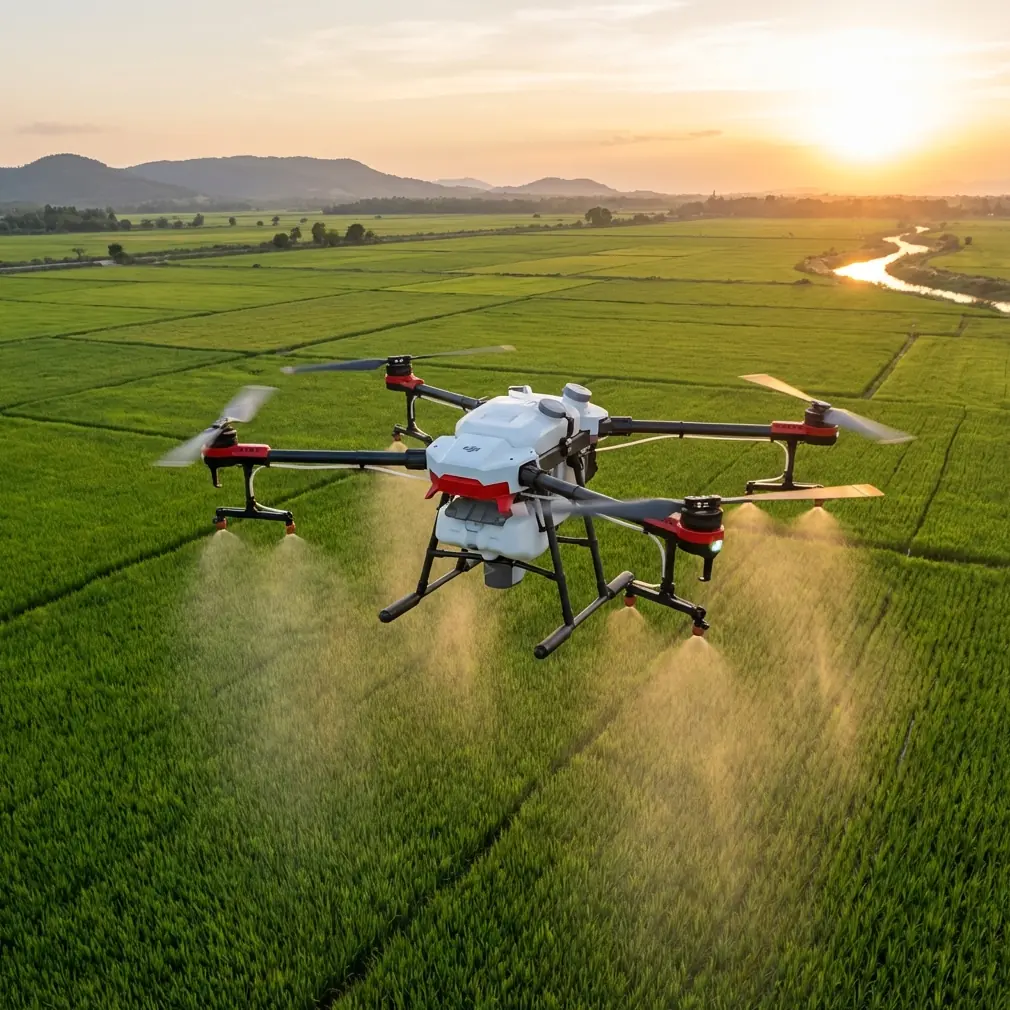
Tracking Vineyards with DJI Avata | Pro Tips
META: Master vineyard tracking with DJI Avata in dusty conditions. Expert photographer shares proven techniques for stunning aerial footage and crop monitoring.
TL;DR
- DJI Avata's immersive FPV system enables precise row-by-row vineyard tracking impossible with traditional drones
- Motion Controller paired with a Freewell dust filter protects sensors while maintaining image clarity
- D-Log color profile captures maximum dynamic range for post-processing dusty golden-hour footage
- ActiveTrack limitations require manual flying techniques specific to agricultural environments
Why the DJI Avata Dominates Vineyard Aerial Work
Dusty vineyard environments destroy lesser drones. The DJI Avata thrives where others fail, combining FPV agility with the stability needed for professional agricultural footage.
I've spent three harvest seasons tracking vineyards across Napa, Sonoma, and Central Coast regions. The Avata transformed my workflow from cautious, distant orbits to intimate row-level tracking that clients now specifically request.
The propeller guard design isn't just safety theater—it's essential when flying between vine rows where a single branch contact would crash an unprotected quad. This built-in protection means you can push closer, fly lower, and capture footage that separates professional work from hobbyist attempts.
Essential Gear Setup for Dusty Conditions
Before discussing technique, let's address the elephant in the vineyard: dust. Fine particulate matter from dry soil, tractor movement, and harvest activity creates a challenging environment for any drone.
The Freewell ND/PL Filter Solution
Standard Avata footage in dusty conditions looks washed out and hazy. The Freewell Variable ND 2-5 Stop filter became my secret weapon after ruining an entire shoot with unusable footage.
This third-party accessory does triple duty:
- Reduces shutter speed for cinematic motion blur at 1/50th second (matching 24fps)
- Cuts atmospheric haze that dust particles create
- Protects the lens from fine abrasive particles
Pro Tip: Apply the filter before leaving your vehicle. Changing filters in the field introduces dust directly onto your sensor—a mistake I made exactly once.
Pre-Flight Dust Protection Checklist
- Inspect all vents and cooling ports for debris accumulation
- Clean gimbal area with a rocket blower (never canned air)
- Check propeller guard mounting points for dust buildup
- Verify battery contacts are clean and making solid connection
- Store spare batteries in sealed bags between flights
Camera Settings That Actually Work
The Avata's 1/1.7-inch CMOS sensor captures impressive detail when configured correctly. Default settings produce mediocre results in challenging vineyard light.
Optimal Configuration for Vineyard Tracking
| Setting | Recommended Value | Why It Matters |
|---|---|---|
| Color Profile | D-Log | Preserves 12+ stops of dynamic range |
| Resolution | 4K/60fps | Enables slow-motion and reframing |
| Shutter Speed | 1/120 (for 60fps) | Maintains natural motion blur |
| ISO | 100-400 | Minimizes noise in shadows |
| White Balance | 5600K (manual) | Consistent color across clips |
| EIS | RockSteady Off | Prevents crop; use gimbal only |
Why D-Log Changes Everything
Vineyard footage presents extreme contrast challenges. Bright sky, shadowed vine canopy, and reflective soil create a dynamic range nightmare.
D-Log captures this information flat, preserving highlight detail in the sky while retaining shadow information under the canopy. Yes, footage looks gray and lifeless straight from the card—that's the point.
In DaVinci Resolve, I apply the DJI D-Log to Rec.709 LUT as a starting point, then fine-tune. The recovered detail in dusty atmospheric conditions alone justifies the extra post-processing time.
Expert Insight: Shoot test footage at your specific vineyard location before the actual production day. Dust density varies dramatically based on recent irrigation, wind conditions, and soil type. Your settings from one vineyard may need adjustment at another.
Mastering the Motion Controller for Row Tracking
The Avata's Motion Controller feels intuitive within minutes but takes weeks to master for professional vineyard work. Standard joystick flying creates jerky, unusable footage in tight spaces.
The Wrist Pivot Technique
Forget arm movements. Professional vineyard tracking uses wrist pivots only:
- Rest your forearm on your opposite hand for stability
- Initiate turns from the wrist, not the elbow
- Keep movements under 15 degrees of rotation
- Practice figure-8 patterns before attempting row tracking
Speed Management for Cinematic Results
The Avata's Normal mode limits speed to 8 m/s—still too fast for intimate vineyard work. I fly exclusively in Smooth mode with these adjustments:
- Max speed: 4 m/s
- Yaw rate: 60°/s
- Tilt sensitivity: Low
- Brake sensitivity: Medium
These settings produce the floating, dreamlike quality that vineyard clients expect. Faster settings create footage that feels rushed and amateur.
Subject Tracking Without ActiveTrack
Here's the uncomfortable truth: ActiveTrack doesn't work reliably in vineyards. The repetitive row patterns, similar color profiles, and dust interference cause the system to lose lock constantly.
Professional vineyard tracking requires manual flying skills. The Avata's obstacle avoidance helps prevent collisions, but you're the tracking system.
The Lead-and-Follow Method
For tracking workers, vehicles, or specific vine sections:
- Establish your subject's path before launching
- Position ahead of the subject's movement direction
- Match speed while maintaining consistent framing
- Use peripheral vision in the goggles to monitor obstacles
- Fly the exit before you need it—always know your escape route
Creating Hyperlapse Without the Feature
The Avata lacks built-in Hyperlapse, but you can create stunning time-compression sequences manually:
- Fly the exact same path multiple times throughout the day
- Maintain identical speed and altitude each pass
- Capture at 4K/60fps for maximum flexibility
- Align clips in post using vineyard row geometry as reference points
This technique produces Hyperlapse-style footage showing light progression across the vineyard—content that clients use repeatedly for marketing.
Common Mistakes to Avoid
Flying during peak dust hours: Tractor activity between 10 AM and 2 PM kicks up maximum particulate matter. Schedule flights for early morning or late afternoon when dust settles.
Ignoring wind patterns: Dust travels. Flying downwind of active vineyard work means your footage—and your drone—gets coated. Always position upwind.
Trusting obstacle avoidance completely: The Avata's sensors struggle with thin vine wires and support stakes. These obstacles don't register until you're already tangled.
Overcomplicating shots: The most requested vineyard footage is simple—straight row tracking with consistent speed. Save the QuickShots and complex maneuvers for open areas.
Neglecting battery temperature: Dusty conditions often mean hot conditions. Batteries above 40°C reduce flight time by 15-20%. Keep spares in a cooler.
Skipping ND filters in overcast conditions: Even cloudy vineyard days require ND4 minimum to achieve proper shutter speed for cinematic motion blur.
Frequently Asked Questions
How close can I safely fly between vineyard rows with the Avata?
The Avata's 180mm propeller guard diameter requires minimum 1-meter clearance on each side for safe row tracking. Most commercial vineyards space rows 2.4-3 meters apart, providing adequate room. However, end-of-row turns require exiting to open space—never attempt U-turns within the row structure.
Does dust damage the Avata's motors over time?
Extended dusty environment operation does accelerate motor wear. After every 10 flights in dusty conditions, I remove the propellers and use a soft brush to clean around the motor bells. Listen for bearing noise during startup—grinding or clicking indicates dust infiltration requiring professional cleaning.
What's the best time of year for vineyard aerial footage?
Véraison (color change, typically August) offers the most dramatic visuals with mixed green and purple grape clusters. Harvest season (September-October) provides action footage but maximum dust. Spring bud break (March-April) shows vibrant green growth against brown soil contrast. Each season serves different client needs.
Your Next Steps
Vineyard tracking with the Avata rewards preparation and practice. Start with open row sections before attempting tight canopy work. Build muscle memory with the Motion Controller until smooth tracking becomes automatic.
The combination of FPV immersion, propeller protection, and capable imaging makes the Avata uniquely suited for agricultural aerial work that other platforms simply cannot match.
Ready for your own Avata? Contact our team for expert consultation.